Bring your drawing.
Choose a DWG or ASCII DXF from Files, or select LinePocket from a share sheet. LinePocket keeps a local copy for reopening.
Open and measure your site drawings on iPhone—even offline. Bring a DWG or DXF, explore its layers, and check the details where the work happens.
Prelaunch preview · iPhone · iOS 17 or later
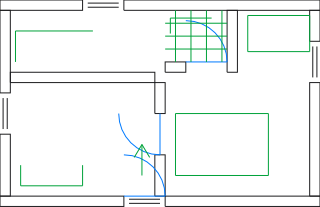
Illustration of the workflow. This page does not measure uploaded files.
Choose a DWG or ASCII DXF from Files, or select LinePocket from a share sheet. LinePocket keeps a local copy for reopening.
Pan, zoom, fit the drawing, and hide layers. Check that the drawing and its units look right before measuring.
During an active trial or with Pro, place snapped points for distance, path length, or area. The free seven-day trial starts only when you activate it.
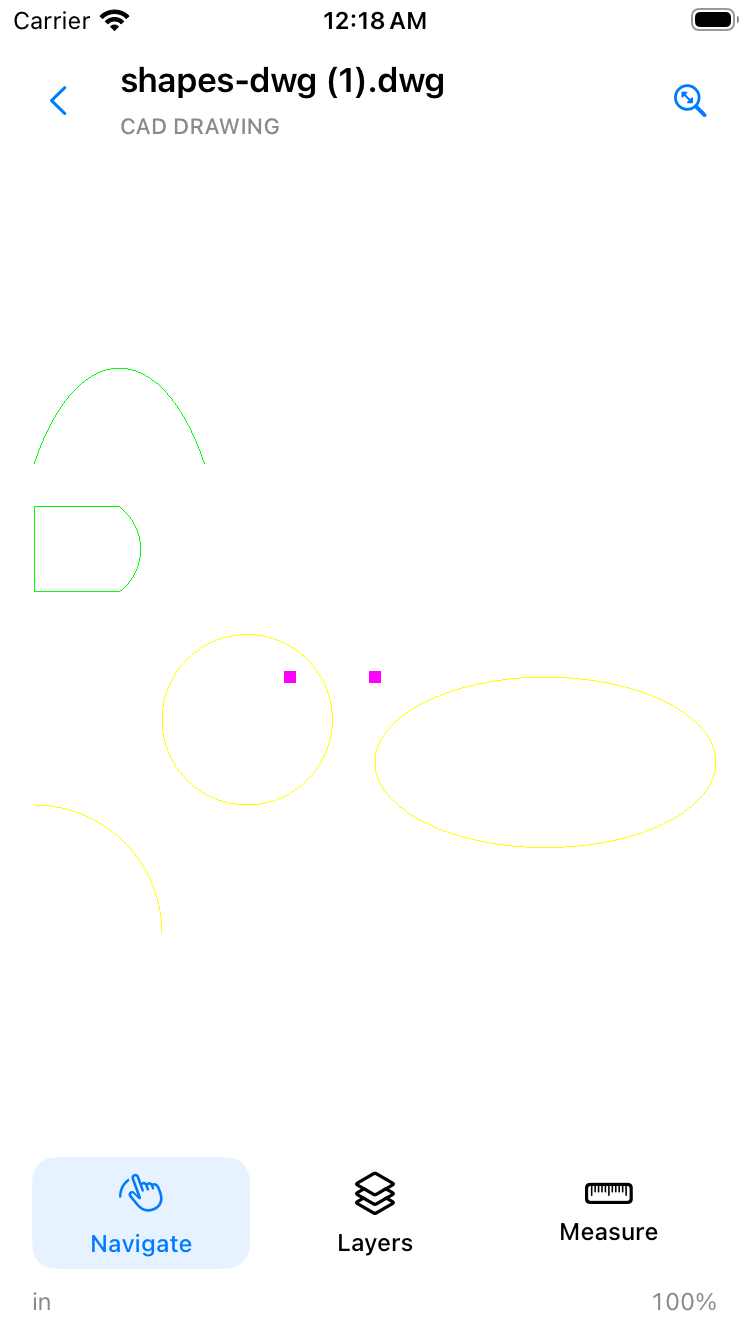
A focused 2D viewer for site engineers, supervisors, and contractors who need a drawing away from their desk.
Development screenshot using a public shapes fixture, captured before the LinePocket branding update. Supported 2D objects are rendered; some CAD content may be omitted. See the compatibility notes.
Open your drawings and check the view.
Start a free seven-day measurement trial, then choose whether to buy permanent access. No subscription or automatic charge.
Purchased in the iPhone app through Apple. Local pricing may vary. Start an explicit free 7-day measurement trial in the app. It ends without charging; purchase Pro separately to keep measuring. Buying is unavailable in this prelaunch preview.
This is a prelaunch product preview. App Store and TestFlight links will be added after purchase testing, drawing compatibility checks, and the release review are complete.
You can explore the guides and support information now. This site does not collect a waitlist or accept payments.
Read the support guide ↗